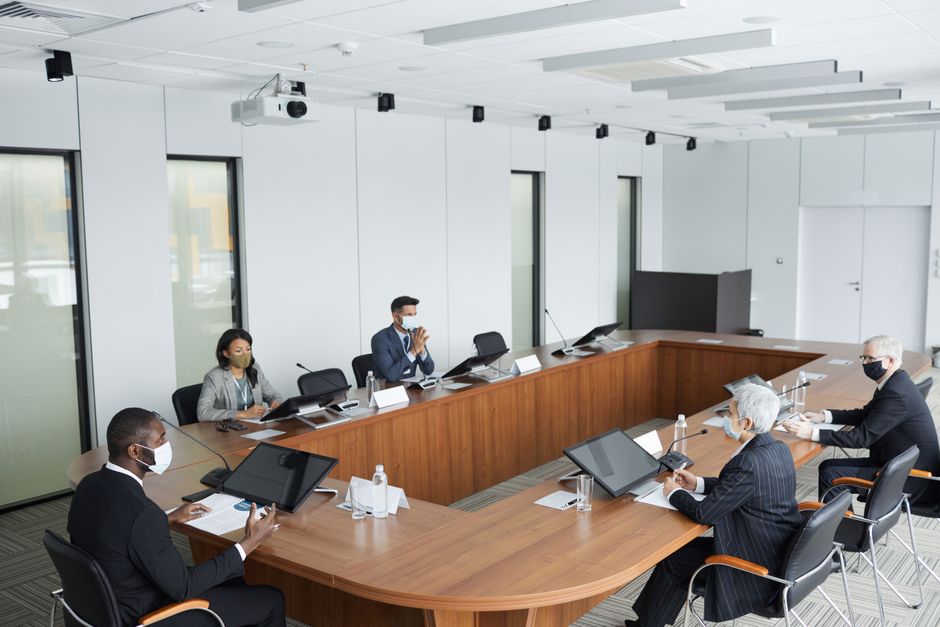


An enrollment meeting only works if employees are actually in the room. A clear slide deck and a well-organized benefits summary accomplish very little when half the staff skips the session and the other half watches the clock. Attendance is the first problem to solve, and it usually has less to do with the benefits package than with how the meeting is scheduled, promoted, and run. The fixes are practical rather than dramatic. They involve timing sessions around real work schedules, inviting people in more than one format, offering live and recorded options, and building the meeting around the questions employees bring with them.
Attendance Fails Long Before the Meeting Starts
Selecting a plan is a stressful and complex decision for most workers, and stress tends to produce delay rather than action. When a choice feels complicated, the easiest response is to put it off until the deadline is close, or to let a default enrollment happen by accident. An optional meeting in an already busy week gives employees a ready excuse to postpone. The same pattern shows up in one-on-one enrollment calls: appointments get booked, and then a share of the people who need the information most never appear.
Treating attendance as a design problem rather than an attitude problem is the shift that changes results. Employees who skip a benefits session are rarely avoiding the information. They are protecting time, avoiding a decision they feel unprepared to make, or assuming the recording will cover it. Each of those reasons can be addressed before the meeting ever begins.
Schedule Around Real Work, Not Around the Meeting
The most common scheduling mistake is choosing the time that is easiest for the person running the meeting. Instead, start with the question of when employees can realistically step away. Ask supervisors about shift changes, patient schedules, client-facing hours, and seasonal busy periods. A session held during a warehouse shift change or a clinic’s busiest morning will lose the audience it most needs.
Offer more than one session at more than one time of day. A single slot forces every employee into one window and guarantees conflicts. Two or three shorter sessions spread across different days and times will usually produce better total attendance than one long session in a single slot. For employers with multiple locations or a mix of remote and on-site staff, coordinate with each site lead so local realities are reflected in the schedule instead of assumed from a head office.
Send an Invitation Employees Can Act On
An email alone can disappear into an inbox. Sending an email alongside a video or a PDF flyer can be more effective at getting attention, and it gives employees two ways to absorb the message. The invitation itself should do more than announce a date. It should say what the meeting covers, what employees should bring, and what they will be able to do when they leave.
- Pair the email with a short video or a one-page PDF flyer so the message survives a quick skim.
- State plainly what will be covered and what decision employees will leave ready to make.
- Tell employees what to bring, such as questions about a coverage change or a family member’s needs.
- Include a calendar hold so the session lands on their schedule the moment they read the note.
- Send a reminder closer to the date and repeat the key details, not only the time and location.
- Ask managers to mention the session in team huddles so the invitation arrives from more than one direction.
Offer Both Live and Recorded Options
Live or recorded webinars give employees room to attend and ask questions, or to view the session at home, perhaps when a spouse can also attend. That flexibility matters. The employee who fully intended to be there but was pulled into a shift, a patient visit, or a client call still needs the information, and a recording keeps it within reach. A recording is not a perfect substitute for a live conversation, but it removes the excuse that the only available session was impossible to make.
| Format | What it does well | How to support it |
|---|---|---|
| Live in-person session | Lets employees ask questions in the moment and hear answers that apply to coworkers | Schedule around shifts, keep the room available afterward for individual questions |
| Live webinar | Reaches remote staff and multiple locations at once, still allows live Q&A | Share the link well in advance and confirm employees can join from their devices |
| Recorded session | Allows viewing at home, including with a spouse, and covers schedule conflicts | Distribute the recording quickly and pair it with a way to submit questions |
Put Q&A in the Middle, Not at the End
Q&A sessions or webinars can significantly enhance employee engagement and are widely treated as an open enrollment best practice. Yet question time is usually the first item cut when a session runs long, and the last ten minutes of a meeting are the least reliable ten minutes on any calendar. Build question blocks into the agenda itself rather than leaving them as optional overflow.
Collect questions before the meeting through a simple form or a note to managers, and allow employees to submit them anonymously. Anonymous questions surface the concerns people are least comfortable raising in a group, and they let you prepare a real answer instead of improvising. Answer the most common questions to the whole room, then stay available afterward for the ones that are personal.
Ask Better Questions to Start Better Conversations
Leaders who want better enrollment conversations often find that the improvement starts with better questions. A simple exercise helps: write the questions you plan to ask before you write the answers you plan to give. That small step changes the meeting from a presentation delivered at employees into a conversation about their actual situation.
- What changed for you or your family in the past year?
- Did you use your plan the way you expected to, or did something catch you by surprise?
- Is there a provider, prescription, or treatment you need to keep covered?
- Do you have a spouse or dependent whose coverage decision depends on yours?
- What part of the enrollment process felt confusing last year?
These prompts produce specific answers, and specific answers are what make a benefits session feel useful rather than generic. They also reveal the gaps in your own communication, which is valuable information for next year.
Keep the Meeting About Decisions, Not Documents
Employees typically leave an enrollment meeting with more paper than understanding. Plan documents matter, but they are reference material, not a presentation. Most people in the room want three things: what is changing, what it means for them, and what they need to do next. Structure the session around those three questions and keep the documents available as a takeaway for the details they will look up later.
That structure also keeps the meeting shorter, which improves attendance in its own right. A tight session that respects the audience’s time earns more goodwill than a comprehensive one that runs long and buries the decision in detail.
Follow Up With the People Who Did Not Show
Attendance will never reach every employee, so plan for the gap. Send the recording and the flyer to anyone who missed the session, and do it while enrollment is still open rather than at the end of the window. Offer a short catch-up slot for employees who need a live conversation, and ask managers to follow up directly with their own teams, since a nudge from a supervisor carries more weight than a broadcast email.
Remind employees that the recording can be viewed at home with a spouse. Benefits decisions are often household decisions, and giving families a shared way to review the material removes a common source of delay.
Measure What Happened and Use It Next Year
Track attendance by session, location, and shift, and note which time slots filled and which did not. Count the questions submitted and the concerns that came up repeatedly, because those point to gaps in your communication materials. Look at when employees actually completed enrollment relative to the meeting dates. If most people enrolled in the final days of the window, the meetings were not doing the job of moving decisions forward.
Recorded webinars, paired invitations, and scheduled question blocks all produce information you can act on. A short review after the enrollment period ends, with the numbers in front of you, makes the next cycle easier to plan.
Bring Your Broker Into the Room
A benefits advisor can carry much of this work. Clarity Path Benefits works with small and midsize employers in the Tampa area and across Florida on group health insurance, HRA, HSA, and FSA administration, and retirement plans. That means one partner can help schedule sessions around your operation, run the meeting, field the harder questions in real time, and follow up with employees who need a second conversation before they decide.
For a multi-location practice or a growing company with limited HR capacity, having a familiar face lead the session also helps attendance. Employees are more likely to show up for a meeting with someone who can answer their specific question on the spot than for a mandatory presentation with no conversation built in.
Frequently Asked Questions
What is an open enrollment meeting?
An open enrollment meeting is a session where employees learn about their benefits options and how to enroll during the enrollment period. It typically covers what is changing for the coming year, what employees need to decide, and where to go for help. The format can be in person, a live webinar, or a recording employees view on their own schedule.
Do employees have to attend an enrollment meeting?
Attendance requirements are set by the employer, not by a universal rule, so confirm your own policy with your benefits administrator before communicating expectations. Many employers treat the session as strongly encouraged rather than mandatory, then follow up individually with employees who miss it. Either way, providing a recording keeps the information accessible.
Is a recorded webinar as effective as a live session?
Recordings solve schedule conflicts and let employees review the material at home with a spouse, which live sessions cannot do. They do not replace the questions a live session invites. The strongest approach uses both, with live sessions for conversation and recordings as the backup for anyone who could not attend.
Who should lead an enrollment meeting?
Someone who can answer questions accurately and without hesitation should lead it. That is often a benefits broker or advisor working alongside an HR contact. Pairing the two works well, since HR can speak to internal process and deadlines while the advisor handles plan details, claims questions, and the comparisons employees find hardest to sort out alone.
How far in advance should enrollment meetings be scheduled?
There is no universal timeline, and the right lead time depends on your enrollment period, your payroll calendar, and how many locations you need to coordinate. As a working approach, lock the dates with managers before the enrollment window is announced, then send invitations early enough that employees can plan around the session rather than react to it.